Brand Guide & Media Kit

Quome Studio Brand Assets

Download our logos, brand colors, fonts, and design assets. Everything you need for press coverage, partnerships, and brand-compliant materials.

Brand Logos

Logo Downloads

High-quality SVG logos in various color combinations for different use cases and backgrounds
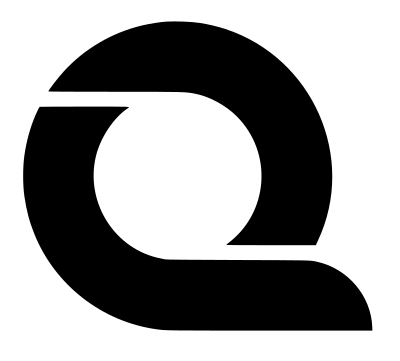
Quome Black Logo

Black Logo

Best for light backgrounds and print materials

Download SVG
Quome Purple Logo

Purple Logo

Primary brand color variation

Download SVG
Quome Blue Logo

Blue Logo

Secondary brand color variation

Download SVG
Quome Violet Logo

Violet Logo

Accent color variation

Download SVG
Quome Mixed Logo

Mixed Logo

Gradient combination of brand colors

Download SVG
Quome Logo Cloud

Logo Cloud

Compact logo version for favicons and small displays

Download PNG
Quome Update Logo

Quome Logo v2

Version 2 of the Quome brand logo

Download SVG

Logo Usage Guidelines

Do

Maintain adequate clear space around the logo

Do

Use the appropriate color version for your background

Don't

Distort, rotate, or modify the logo proportions
Brand Colors

Primary Colors

These are our core brand colors that define the Quome Studio visual identity

Purple

#8c7ff2

Primary brand color

Blue

#3985ff

Secondary brand color

Light Violet

#b05ef1

Accent color

Slate

#232323

Text & dark elements

Supporting Colors

White

#ffffff

Gray

#edefeb

Pink

#c93985

Navy Blue

#0070c0

Black

#000000

Typography

Our carefully chosen typefaces that enhance readability and brand personality

Primary Font

Inter Tight

Clean, modern, and highly readable. Perfect for headlines, UI elements, and body text in our digital products.

Download Font
Quome Studio
Build Apps 99% Faster
Prompt-to-Production Platform
Transform your ideas into compliant applications using natural language prompts.

Secondary Font

Roboto

Versatile and neutral. Used for longer text passages, documentation, and when Inter Tight needs a complementary typeface.

Download Font
Documentation
Getting Started
Welcome to Quome Studio, the AI-powered platform that transforms how you build compliant applications. This guide will help you get started with natural language development and understand our comprehensive feature set.
Brand Quokkas

Quokkas

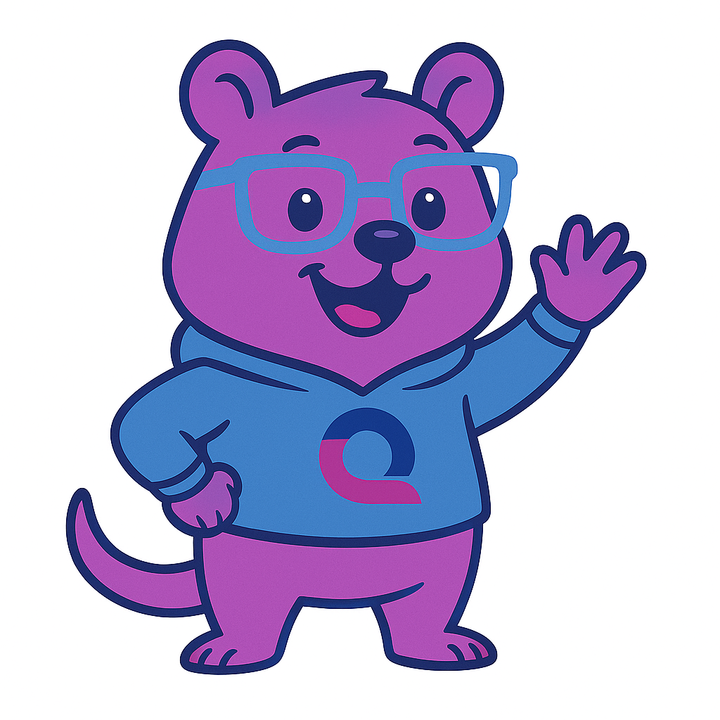
Our mascot quokka characters for different states, celebrations, and user interactions

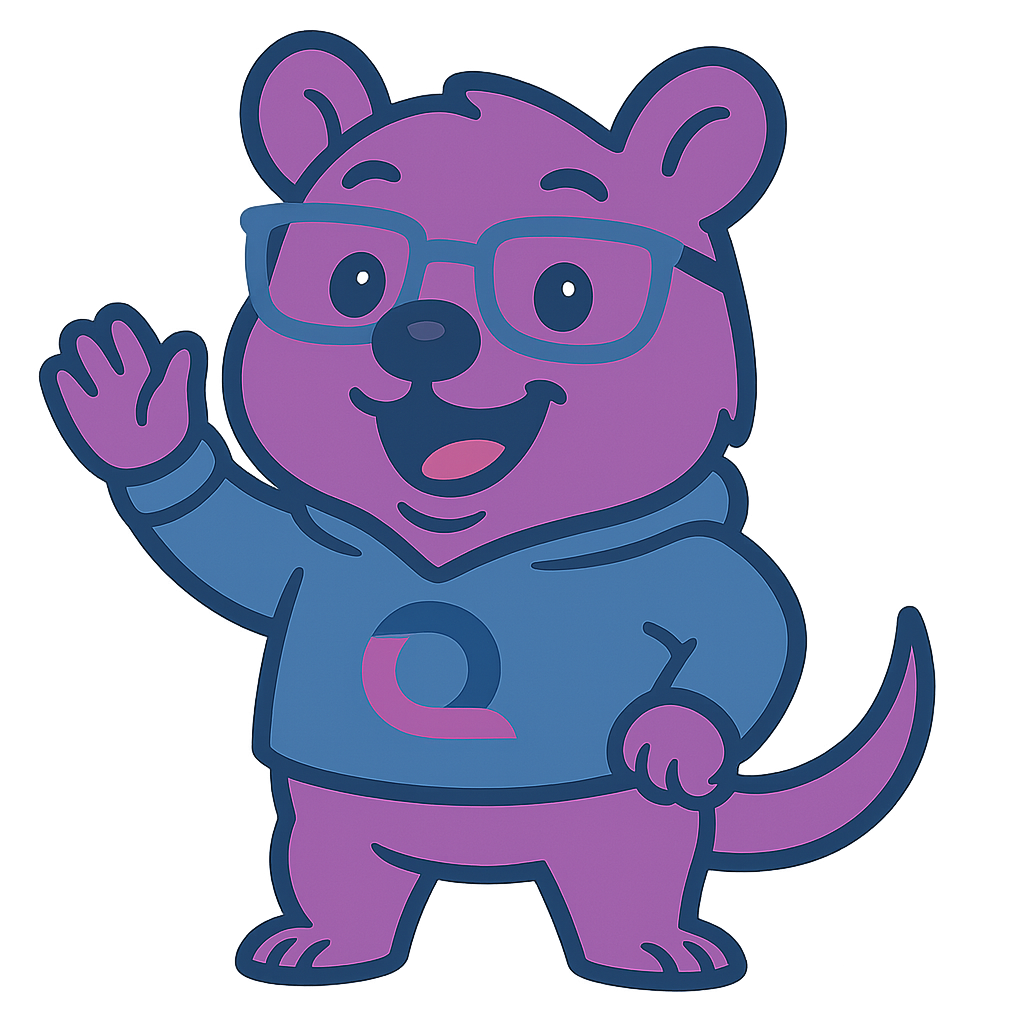
Hello Quokka

Hello Quokka

Welcome and greeting states

Download PNG
Welcome Quokka

Welcome Quokka

Onboarding and introduction

Download PNG
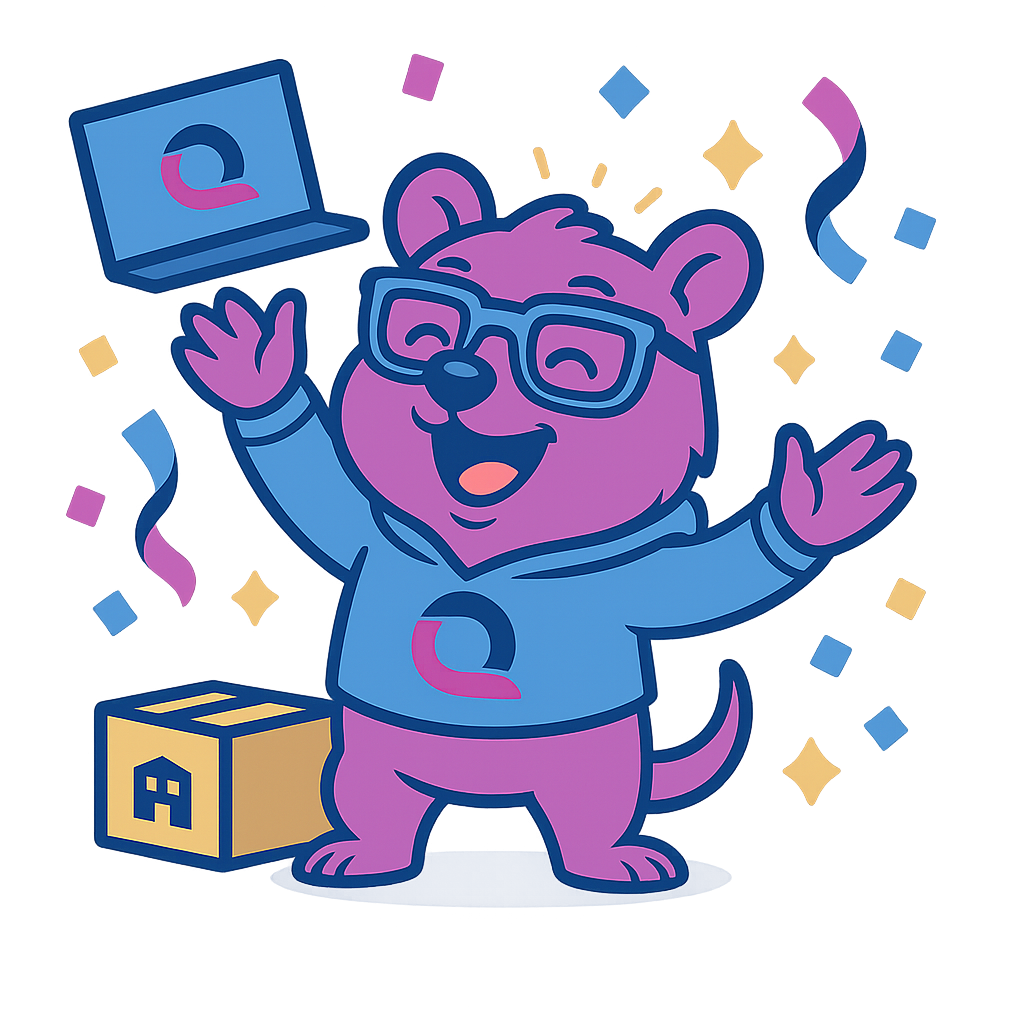
Celebration Quokka

Celebration Quokka

Success and achievement states

Download PNG
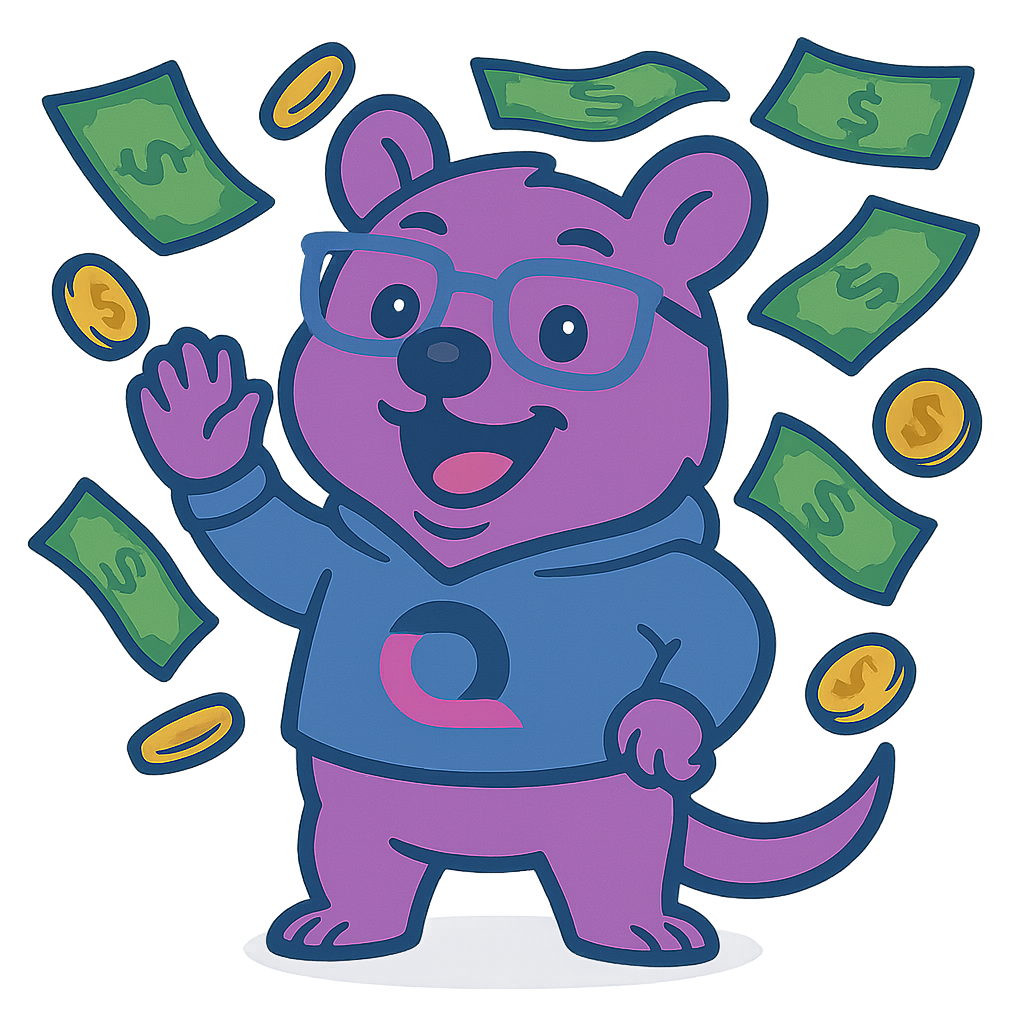
Money Quokka

Money Quokka

Payment and pricing related

Download PNG
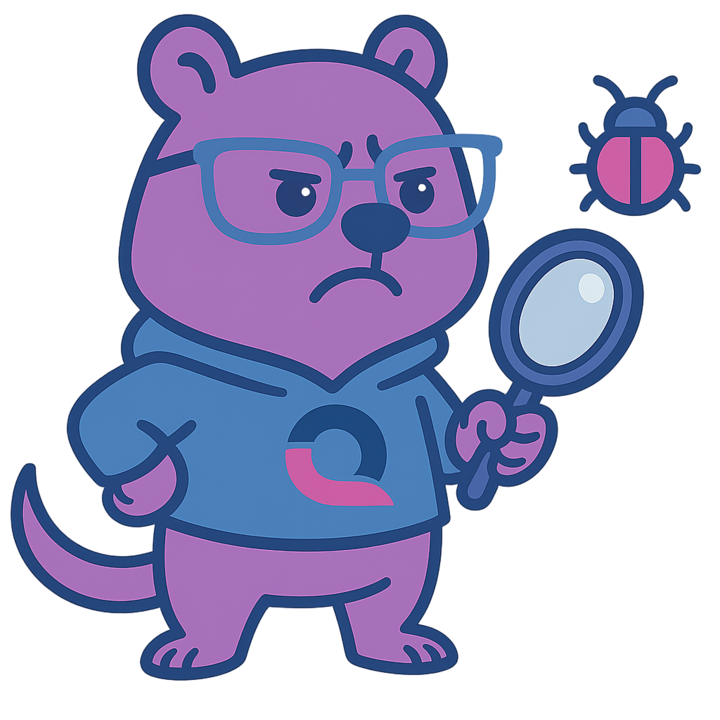
Debugging Quokka

Debugging Quokka

Development and troubleshooting

Download PNG
Announcement Quokka

Announcement Quokka

News and important updates

Download PNG
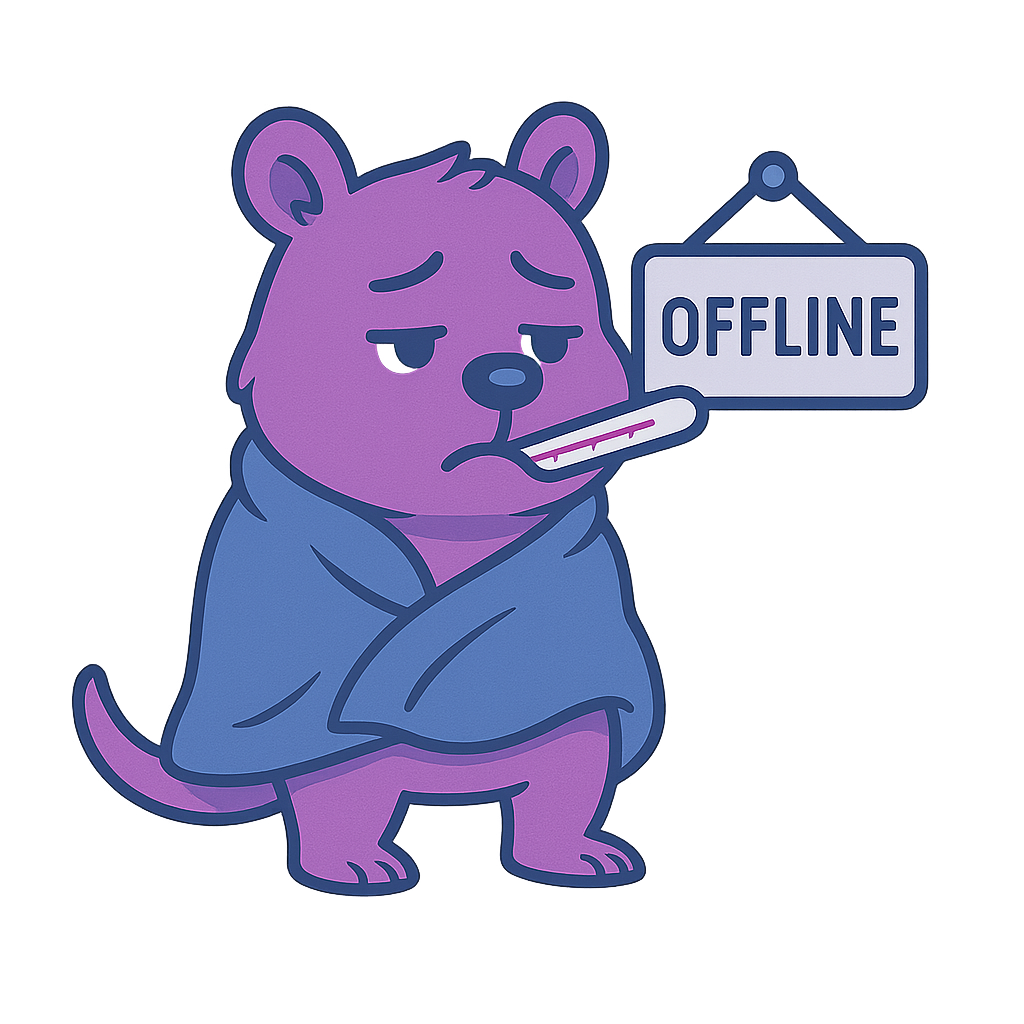
Offline Quokka

Offline Quokka

Connection issues and offline states

Download PNG
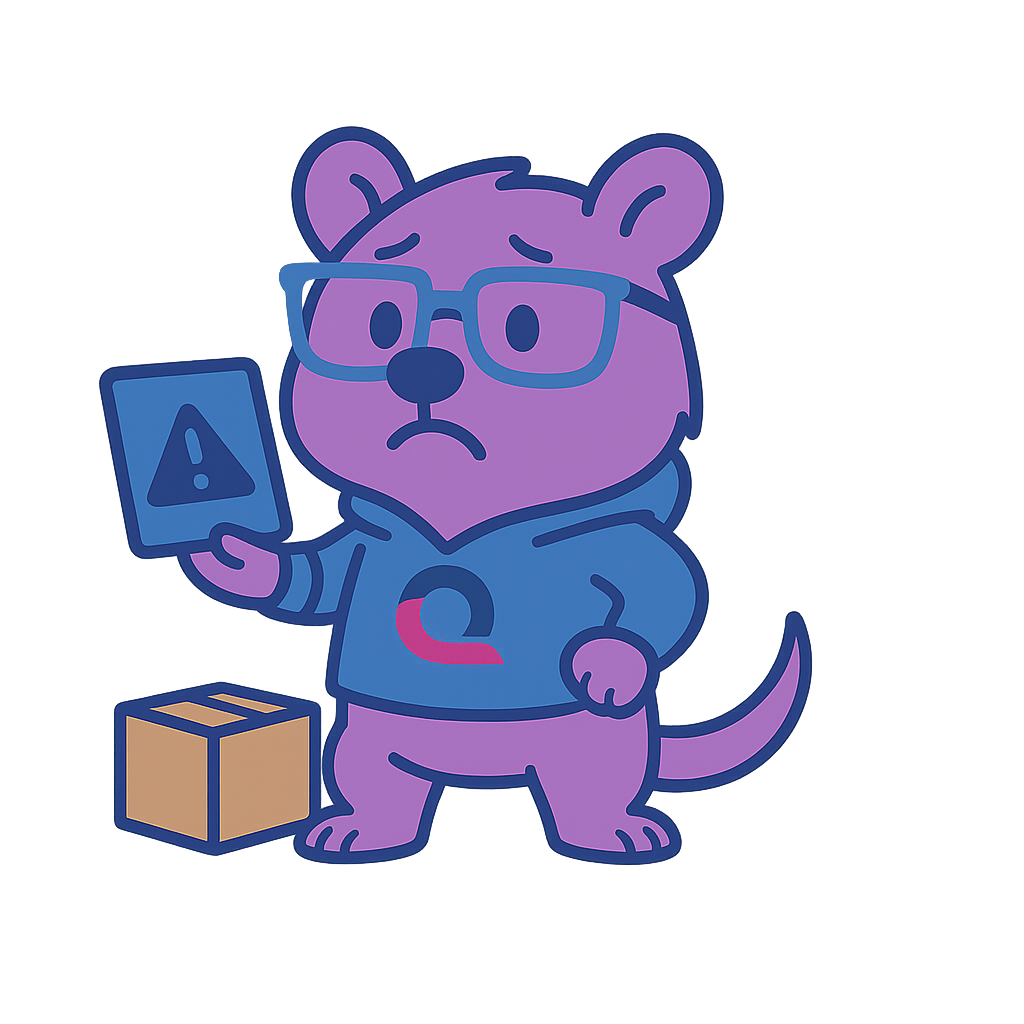
Failure Quokka

Failure Quokka

Error states and troubleshooting

Download PNG

Icon Usage Guidelines

Context Appropriate

Use each quokka icon in its intended context (celebration for success, failure for errors, etc.)

Consistent Sizing

Maintain consistent proportions and sizing across your application or materials

Brand Personality

These friendly quokka icons help maintain our approachable and helpful brand personality